Piqtra for iPhone
Draw anything you love.
Piqtra lays a tracing guide over your live camera. You follow the lines with a real pencil, on real paper.
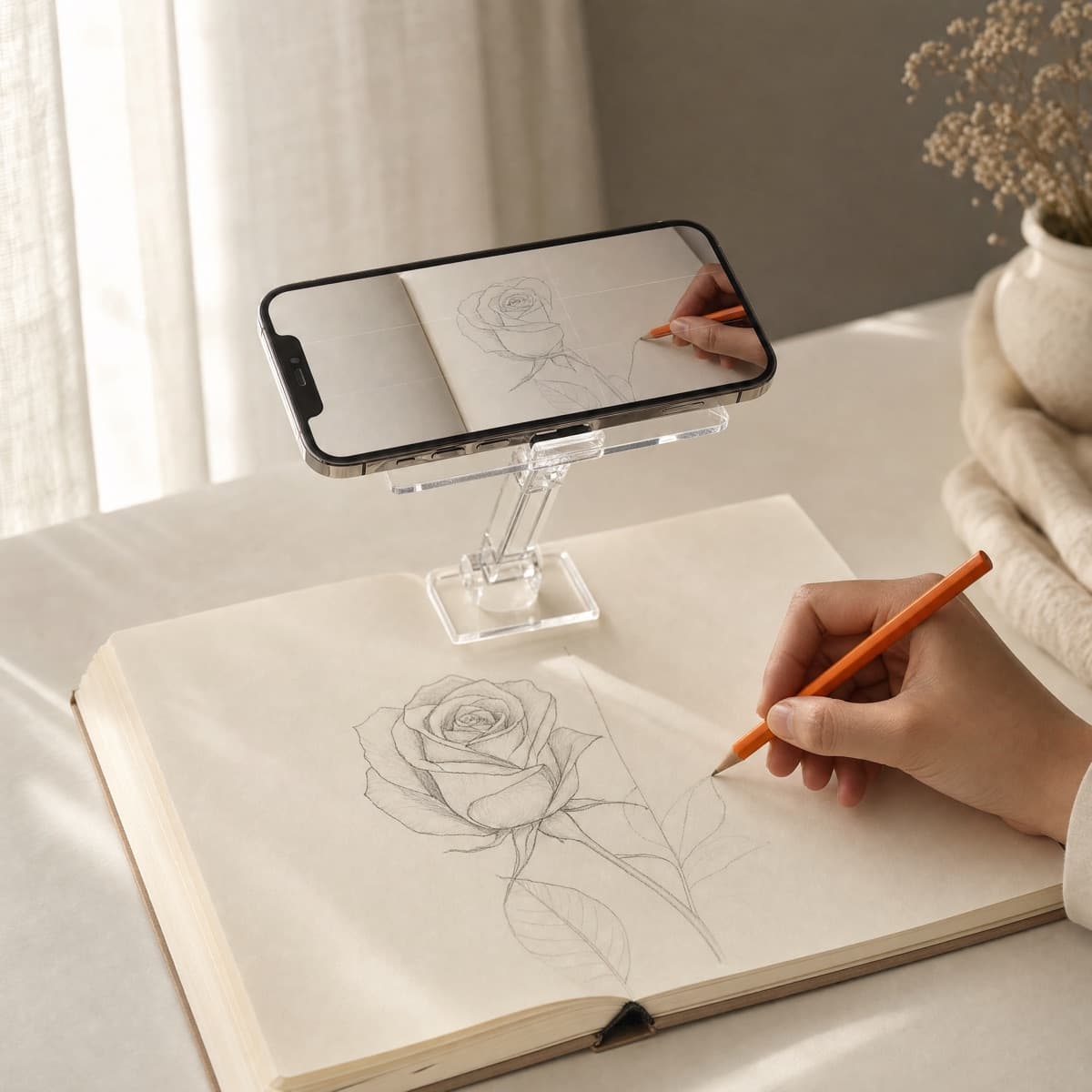
Three steps to a finished drawing.
No classes, no lightbox, no tracing paper. Just your iPhone and something to draw on.
Choose what to draw
Snap a photo, pick one from your library, or start from one of 54 original drawings.
Set your iPhone above the page
Prop it on a stand or a stack of books, then fit and fade the guide until it sits right.
Trace with a real pencil
Watch the screen, draw on the paper. The lines you make are all yours.
Trace a Photo
Your cat. Your best friend. Your favorite mug.
Bring in any photo and Piqtra turns it into a clean outline on your iPhone. Tune the edges, thickness and smoothing, lift the subject off a busy background, then start tracing. Free, always.
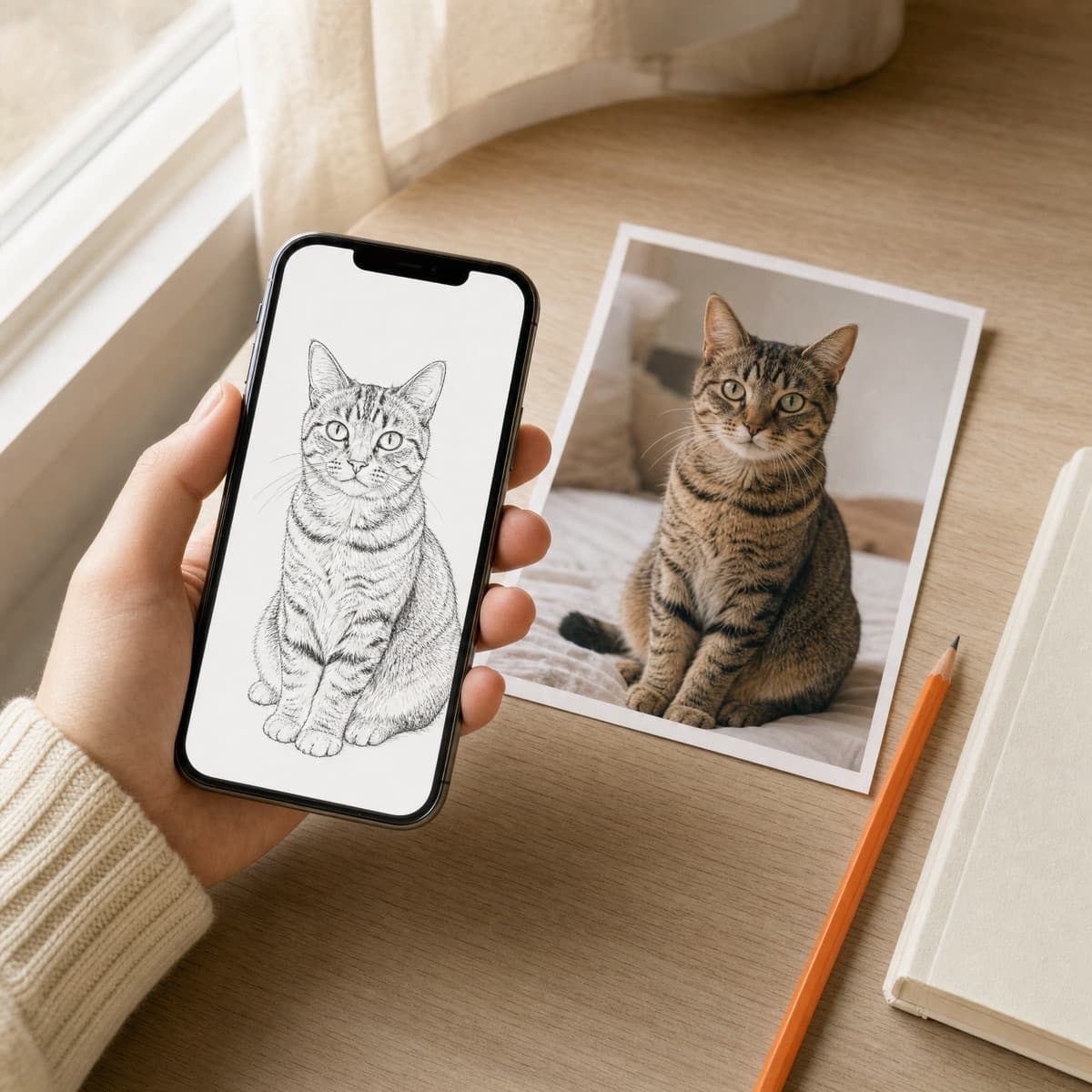
Photo to Guide PRO
Any photo, drawn step by step.
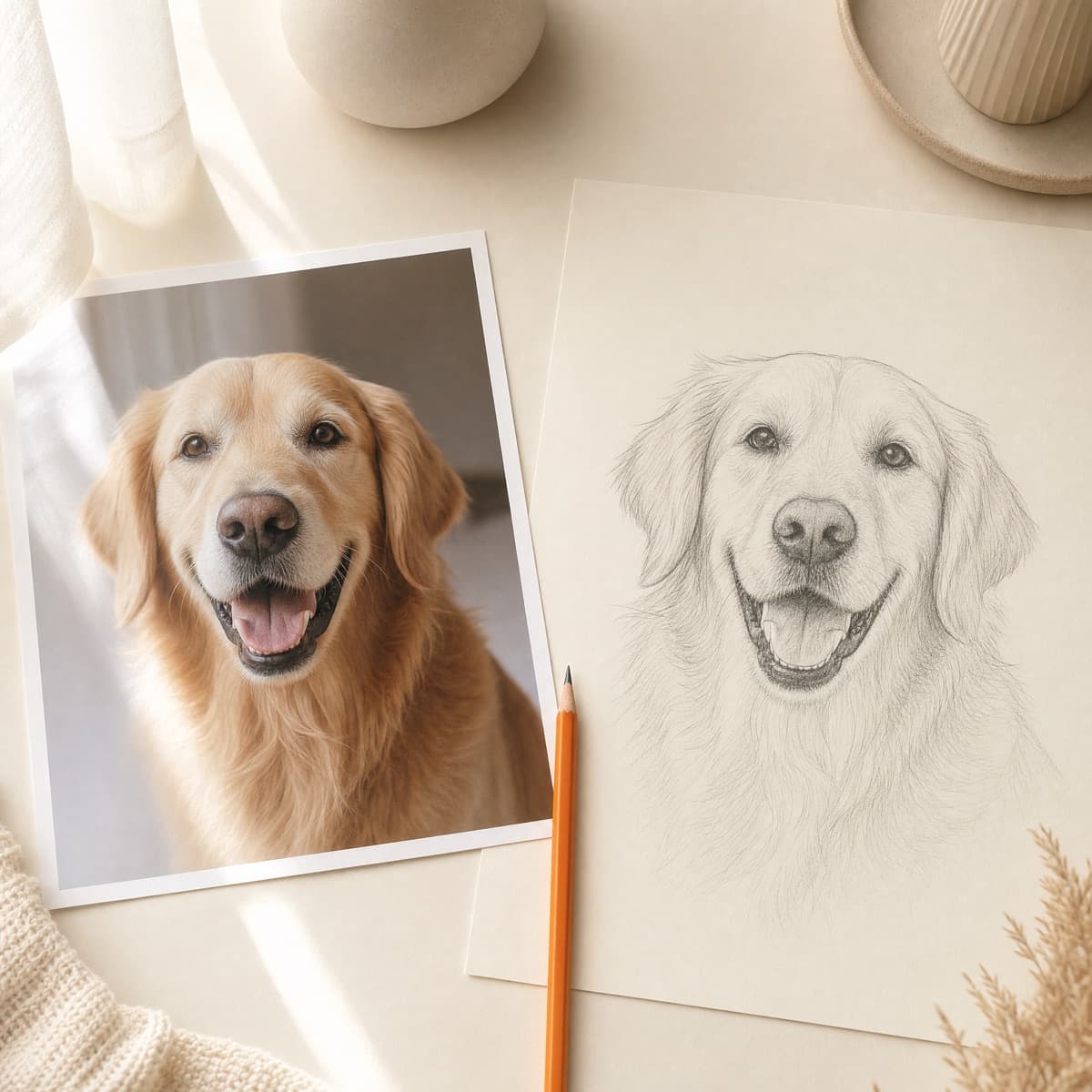
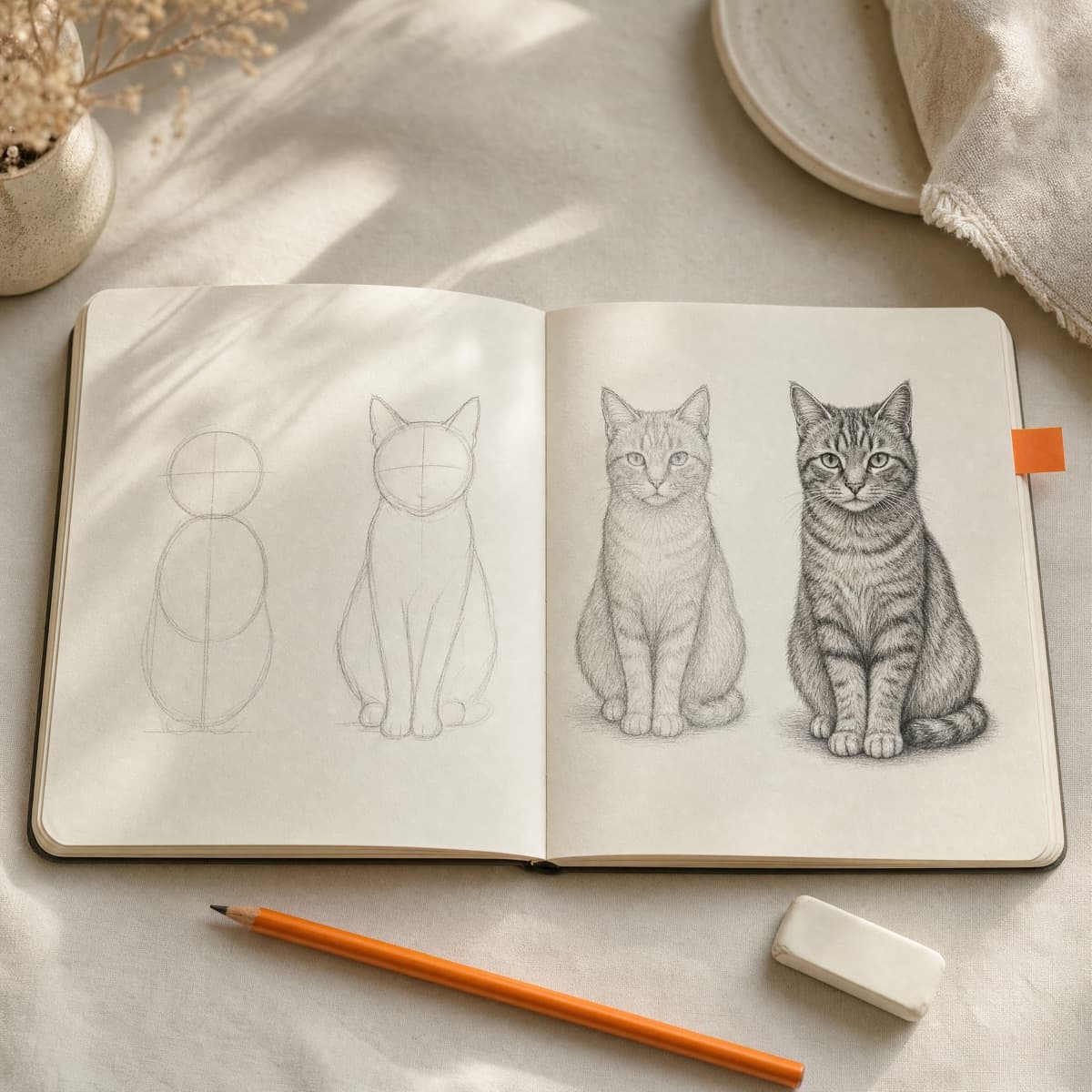
AI redraws your photo as clean pencil lines, then splits it into easy steps. Simple shapes first, the details last, the way artists learn.
From photo to pencil lines.
Pets, people, places. Pick a photo and get a guide drawn just for it.
One step at a time.
Start with circles and guidelines, and finish with the fur and whiskers.
Your photos stay yours. A photo only leaves your iPhone when you choose Photo to Guide, and it’s never stored on our servers. Read the Privacy Policy
Generate PRO
Type an idea. Get lines to trace.
Describe anything, from a dragon guarding its castle to a sleepy fox curled up in a teacup, and Piqtra draws clean line art you can start tracing right away.
What do you want to draw?
a sleepy fox curled up in a teacup

Trace studio
Made for the moment pencil meets paper.
Everything you need while you draw, and nothing you don’t. Keep your eyes on the lines, not the controls.
Guide opacity
Fade the guide in and out to check your own lines.
Fit and flip
Size the guide to your page, or mirror it either way.
Step by step
Work through one stage at a time, with the next a tap away.

Clean outlines
Tune edge strength, line thickness and smoothing first.
Background removal
Lift a pet or a person off a busy photo, on your iPhone.
Pick up later
Guide position, opacity and camera setup are all saved.
Library
54 drawings, ready when you are.
Original line art across seven categories, from a happy cloud to a phoenix. Every beginner and easy drawing is free.
- Animals
- Cute
- Flowers
- Fantasy
- Portraits
- Objects
- Vehicles

Fox in a Teacup
Easy · Free
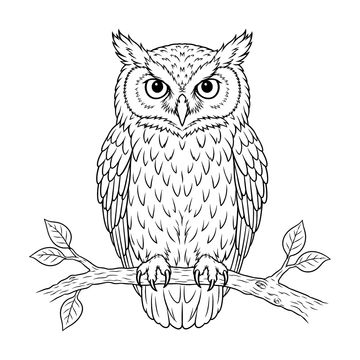
Wise Owl
Intermediate · Pro
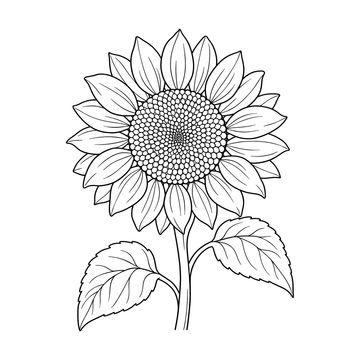
Sunflower
Easy · Free

Phoenix
Advanced · Pro
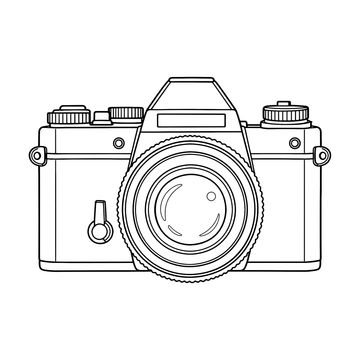
Vintage Camera
Easy · Free

Girl Reading
Intermediate · Pro

Steam Train
Intermediate · Pro
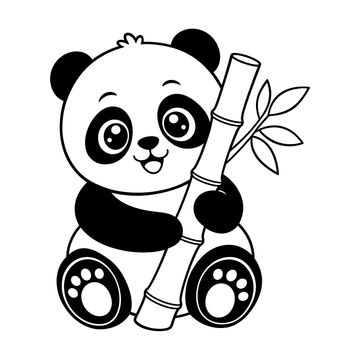
Baby Panda
Beginner · Free

Lotus Flower
Intermediate · Pro

Frog Wizard
Intermediate · Pro

Lion Portrait
Advanced · Pro

Hot Air Balloon
Easy · Free

Bunny on a Mushroom
Easy · Free

Sailboat
Intermediate · Pro
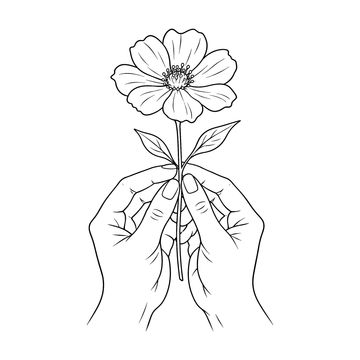
Hands with Flower
Easy · Free

Little Unicorn
Easy · Free
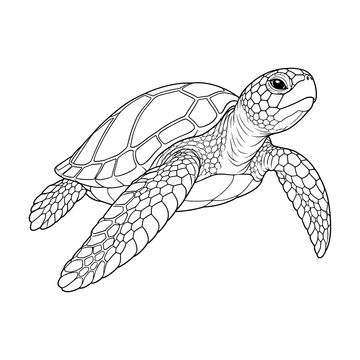
Sea Turtle
Intermediate · Pro

Cactus Trio
Intermediate · Pro

Reading Nook
Advanced · Pro

Little Ghost
Easy · Free
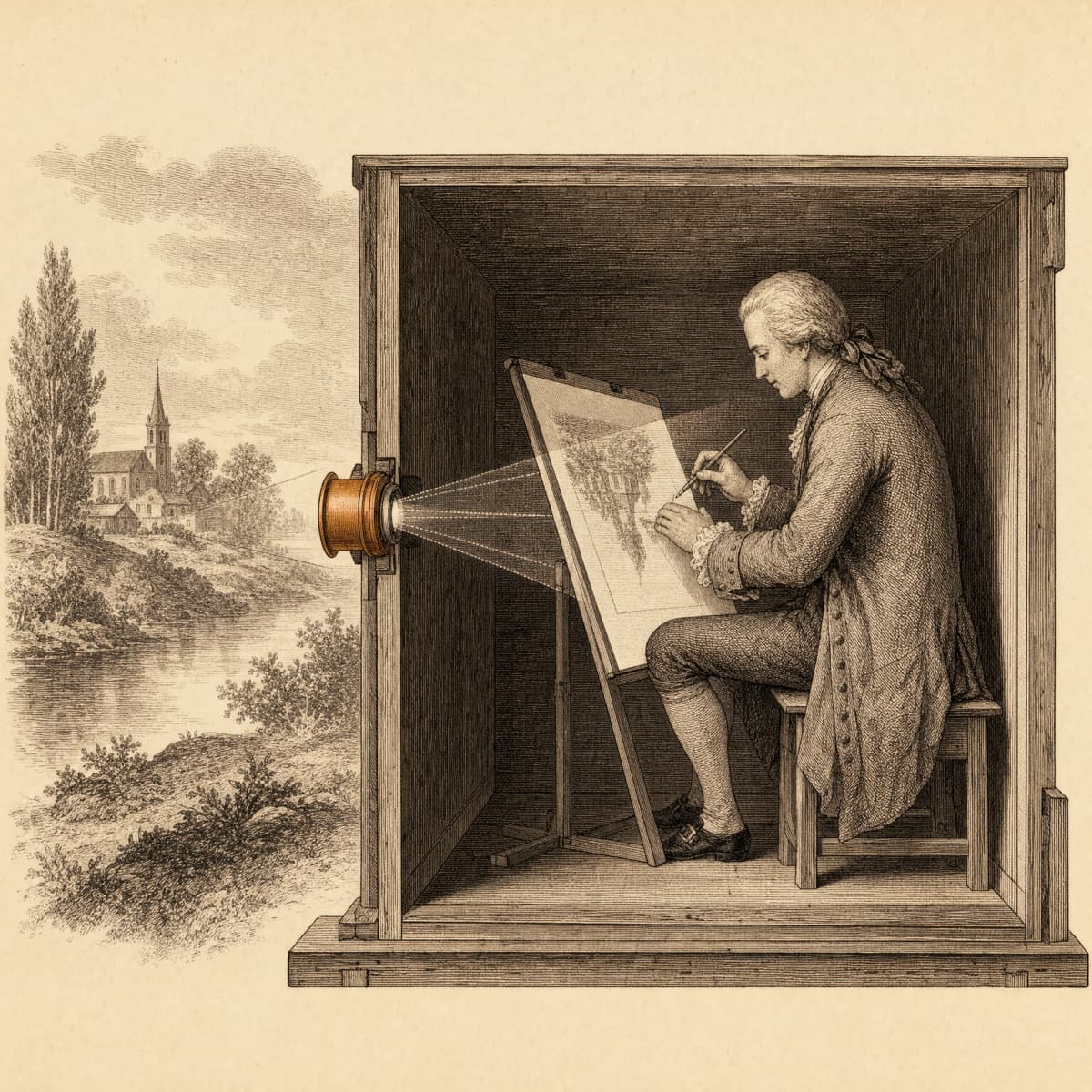
A little history
A centuries‑old idea, now in your pocket.
Long before lightboxes, artists traced scenes projected through a lens into a darkened room: the camera obscura. Piqtra brings that same guiding idea to your iPhone, so the first lines are never the hardest part.
Free to start.
Pro when you’re ready.
Trace your own photos for as long as you like. Pro adds the AI tools and the full library.
Piqtra
Free
- Trace any photo or snapshot
- The live camera trace studio
- Outline tuning and background removal
- Every beginner and easy library drawing
Piqtra Pro
Weekly or yearly
- Everything in Free
- Photo to Guide, with step-by-step guides
- Generate line art from a description
- All 54 library drawings
Prices are shown in the app in your local currency. Pro renews automatically until you cancel in Settings.
Questions, answered.
What do I need to get started?
An iPhone running iOS 18 or later, some paper, a pencil, and something to hold your phone steady above the page. A phone stand works well, and so does a stack of books.
Can I use Piqtra for free?
Yes. Tracing your own photos and every beginner and easy drawing in the library is free. Pro adds the AI tools and the rest of the library.
What happens to my photos?
The camera feed is processed on your iPhone and never uploaded, and your drawings stay on your device. A photo only leaves your iPhone when you choose Photo to Guide, and it isn’t stored on our servers.
How do I cancel Pro?
Open Settings on your iPhone, tap your name, then Subscriptions, and choose Piqtra. You can cancel any time, and Pro stays active until the end of the period you paid for.

Your next drawing starts here.
Grab a pencil. Piqtra will handle the rest.
Requires iOS 18 or later. Designed for iPhone.